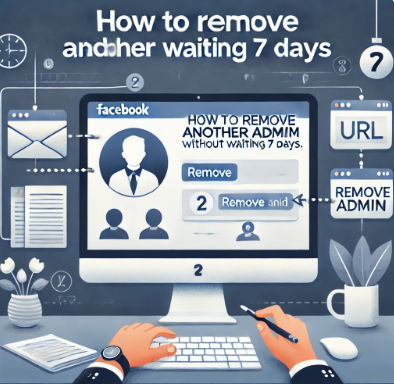
Today, I will guide you on how to remove another admin without having to wait for 7 days.
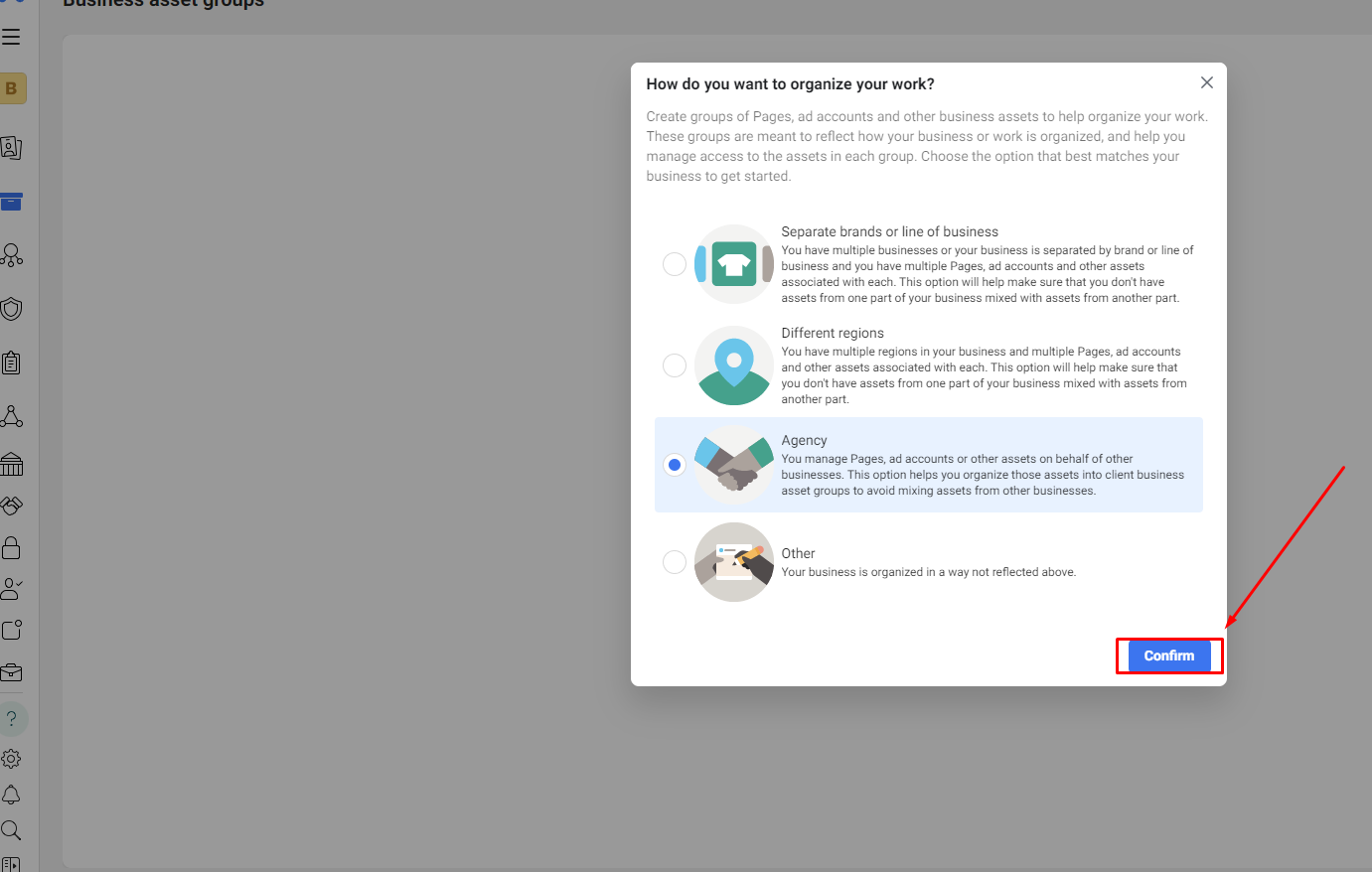
Log in to the Account Holding the Business Manager (BM): First, log in to the account that holds the BM from which you want to remove the admin.
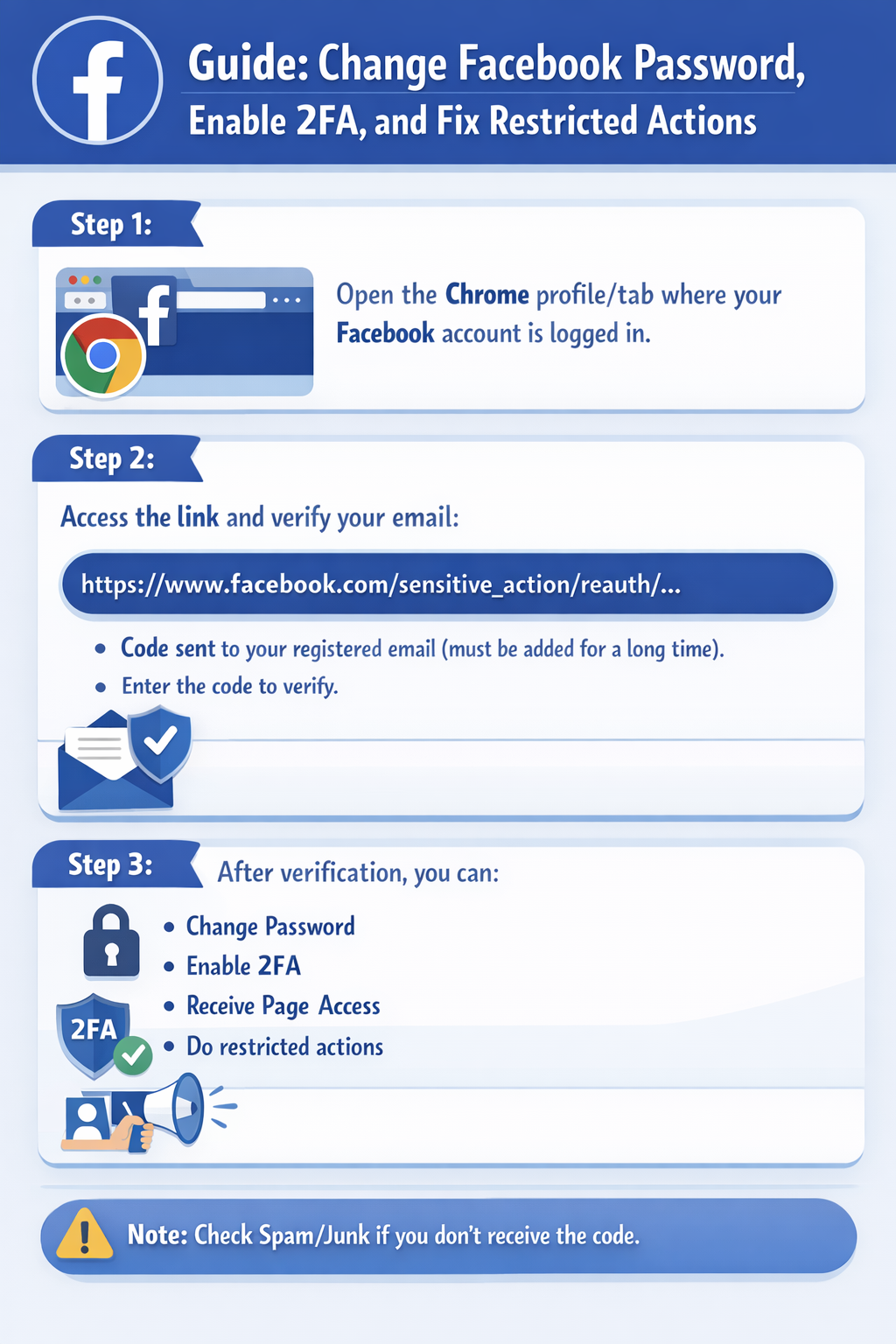
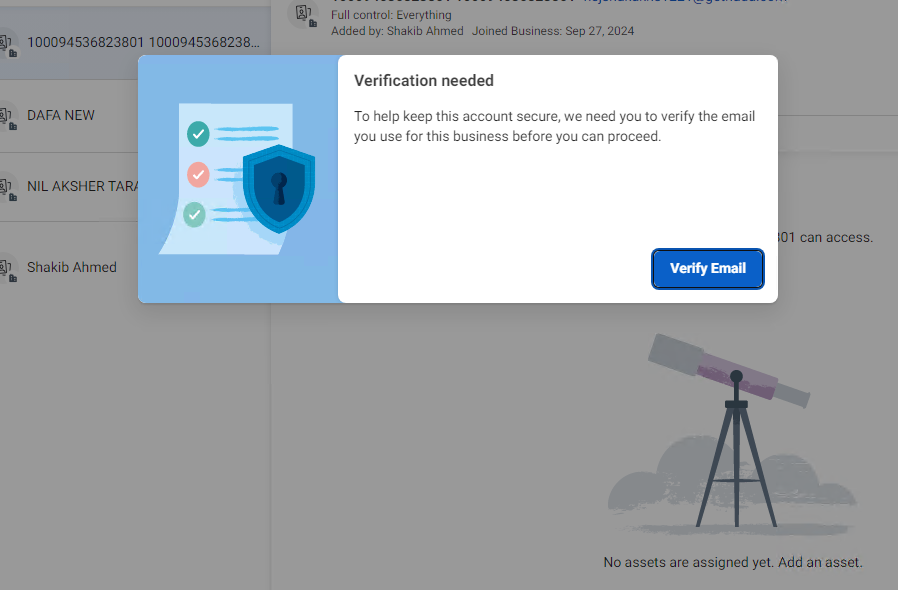
Access the Following Link: Go to the following link: https://business.facebook.com/confirm_business/?business_id=xxxxxxxxxxxx (replace xxxxxxxxxxxx with the ID of the BM you want to manage).
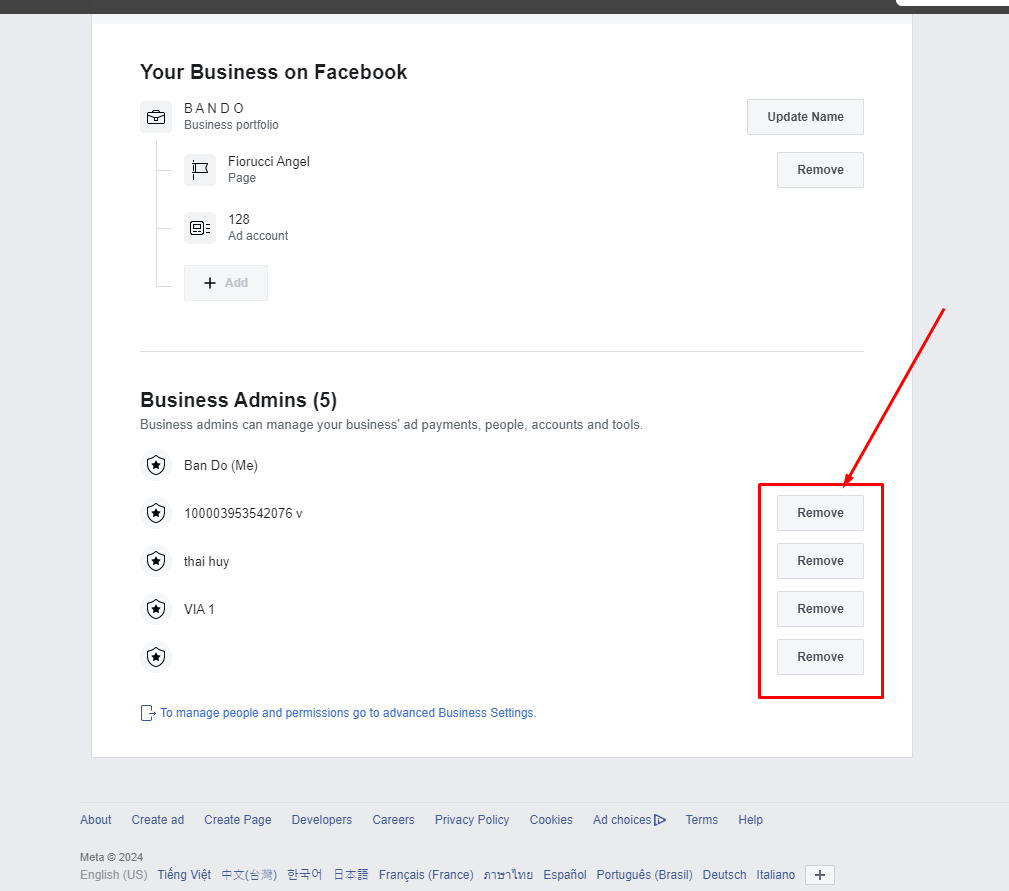
Remove the Admin: Simply click on "Remove Admin."
This method is excellent for securing your BM. I wish you success!
#removeadminbm #deleteadminbm