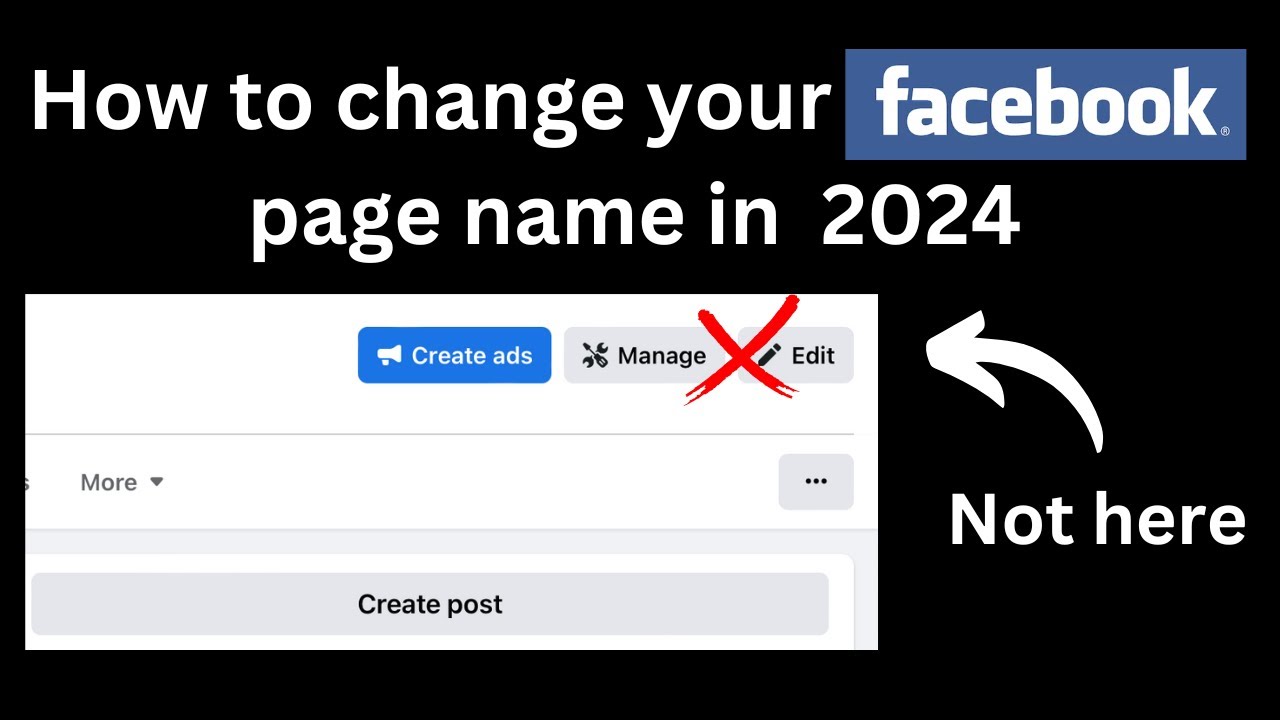
Recently, changing the name of your Facebook fan page has become more difficult, so we're sharing this new guide to help you navigate the process smoothly. We hope you find it useful.
Step 1: Prepare Your Via (With Chat Support Funtion)
To initiate the name change, you'll need a Facebook account (via) with chat support capabilities. You can check if your via has this feature at Facebook Business Support.
Step 2: Share Your Page with the Via
Share your fan page with the via account you will use to contact support. Ideally, let this share sit for about 7 days to avoid too many questions from support. If you can't wait, it's usually fine to proceed immediately.
Step 3: Gather Necessary Information
Before contacting support, prepare the following information:
- The current name of your page
- The new name you want for your page
-
Step 4: Change the Language to English
Switch the language of your via account to English. This can sometimes make the process smoother when communicating with Facebook Support.
Step 5: Attempt to Change the Page Name
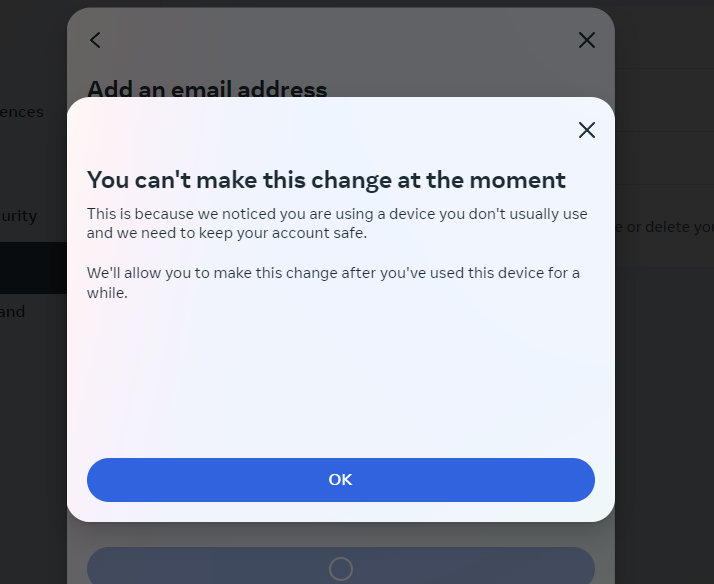
Go to your page settings and try to change the name as you normally would. If it goes through without any issues, great! If you encounter an error, take a full screenshot of the error message.
Step 6: Contact Facebook Support
Reach out to Facebook Support and explain that you need to change your page name to rebrand. Here's a template you can use:
"Hi, I need to change the name of my page to reflect our new branding. I've already attempted to change it but encountered an error. Please assist me with this process."
Step 7: Post an Announcement
To strengthen your case, make a public post on your page announcing the name change. Save the link to this post, as support may ask for it.
Step 8: Follow Up
Support may ask for additional information or steps. Provide the screenshot of the error and the link to your announcement post if requested. Usually, support can handle the change within a few minutes if everything is in order.
By following these steps, you can change the name of your Facebook fan page efficiently. Whether you're looking to buy Business Manager accounts, buy Facebook ads accounts, or simply manage your social media assets, understanding this process is crucial for effective brand management.